
The app
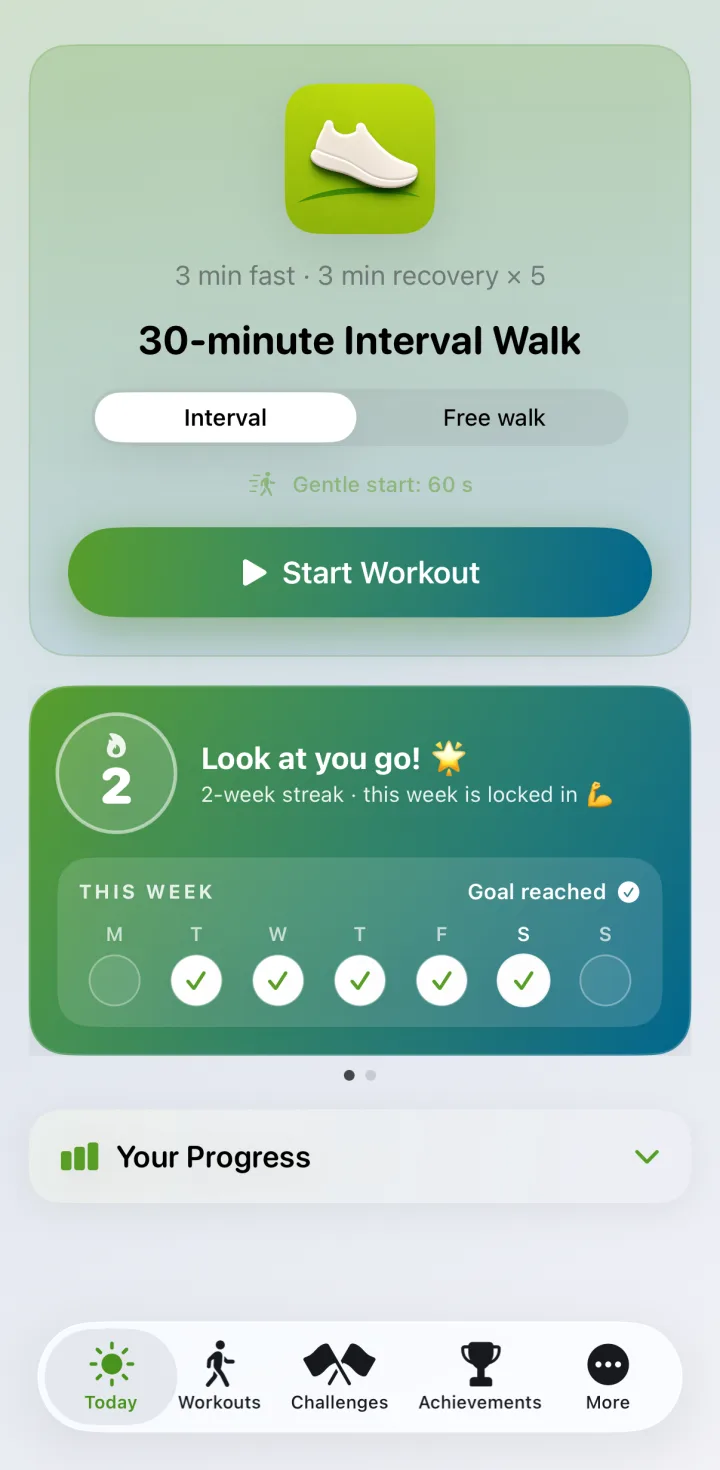
Three minutes brisk, three minutes easy, five times over. IWT calls every change of pace, records the walk, and keeps the numbers on your own device.
 Android soon
Free to download · phone and watch
It tells you when to change pace
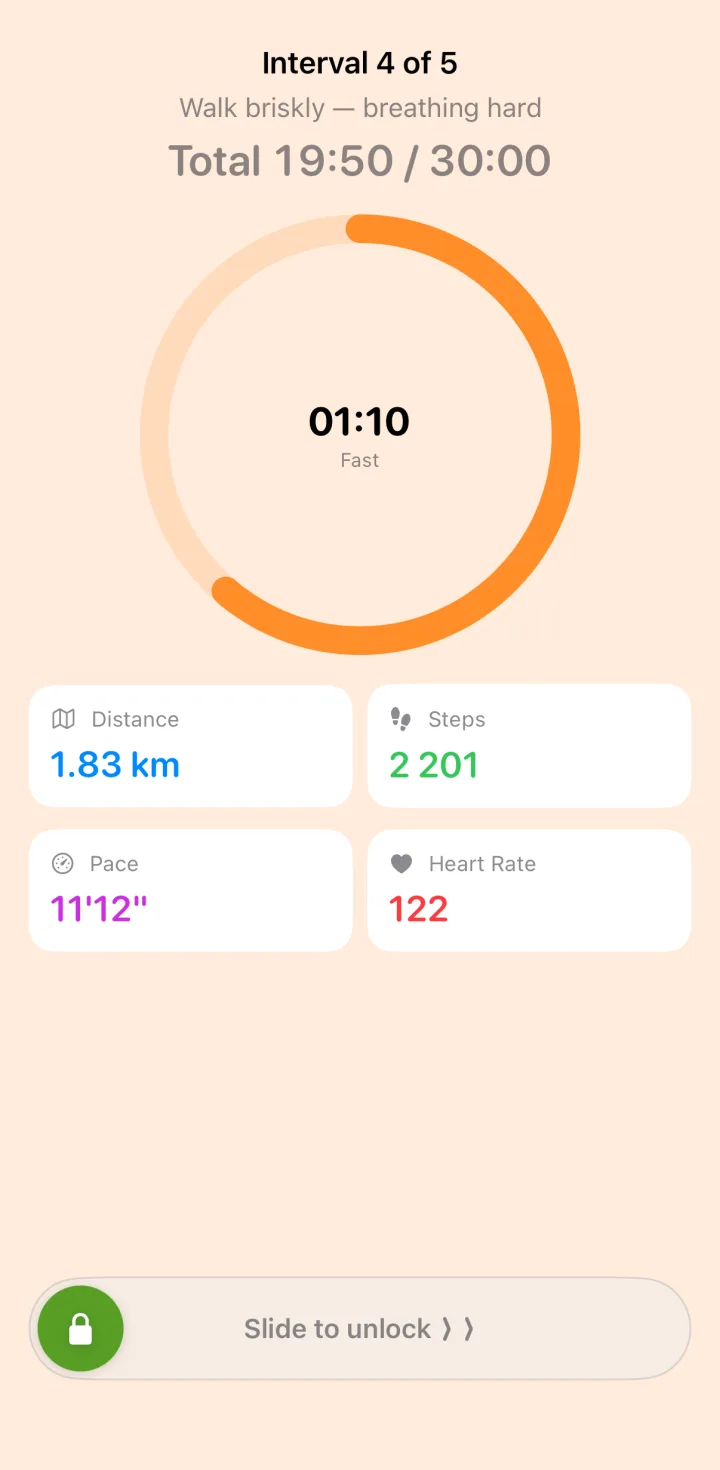
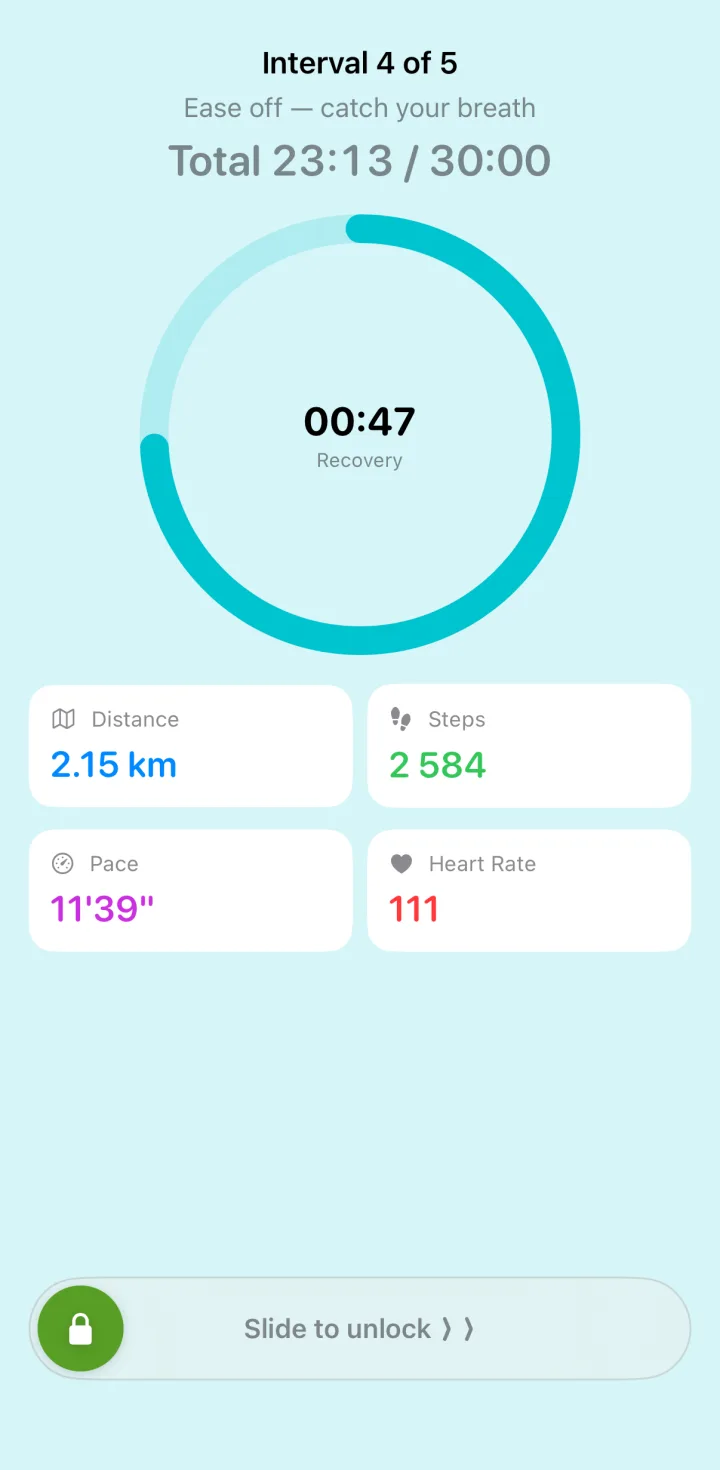
The whole method is knowing when three minutes are up. IWT counts them for you — a spoken cue and a change of colour at every switch, so the phone can stay in your pocket and you can watch where you are going instead of a screen.
Warm, orange screen for the brisk stretch. Cool, blue for the easy one. You can tell which phase you are in from across a table, never mind a glance at your wrist.
A gentle start eases you in first, and the workout locks while you walk so a pocket can't pause it by accident.
And on your Apple Watch
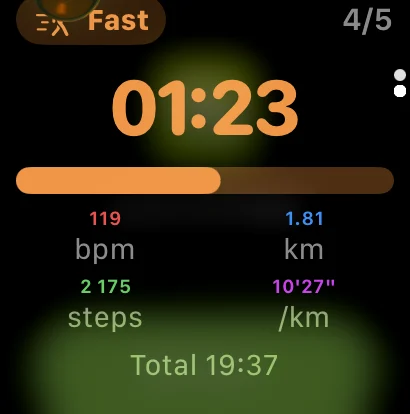
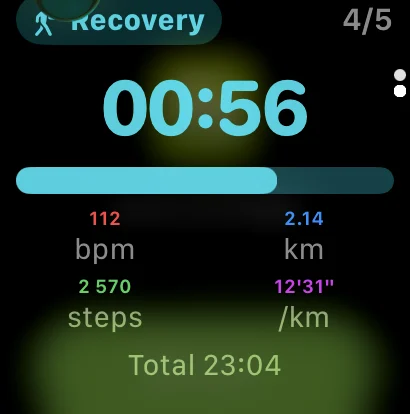
Start from either device and the other follows. The watch taps your wrist at every change of pace, reads your heart rate, and shows the same countdown — so the phone can stay in a pocket, or on the hall table.
Walking with the watch alone works, and it hands the finished walk to your phone the next time the two are near each other. Two things are worth knowing before you leave the phone behind: the cues are taps only, with none of the spoken prompts the phone gives — and the watch keeps only the last walk or two, so one that never reaches the phone can be lost.
This is a paired Apple Watch. Garmin, Galaxy Watch and the rest are not supported.
Both screenshots above come from the same thirty minutes as the phone ones: the same walk, seen from both devices.
Every walk counts itself
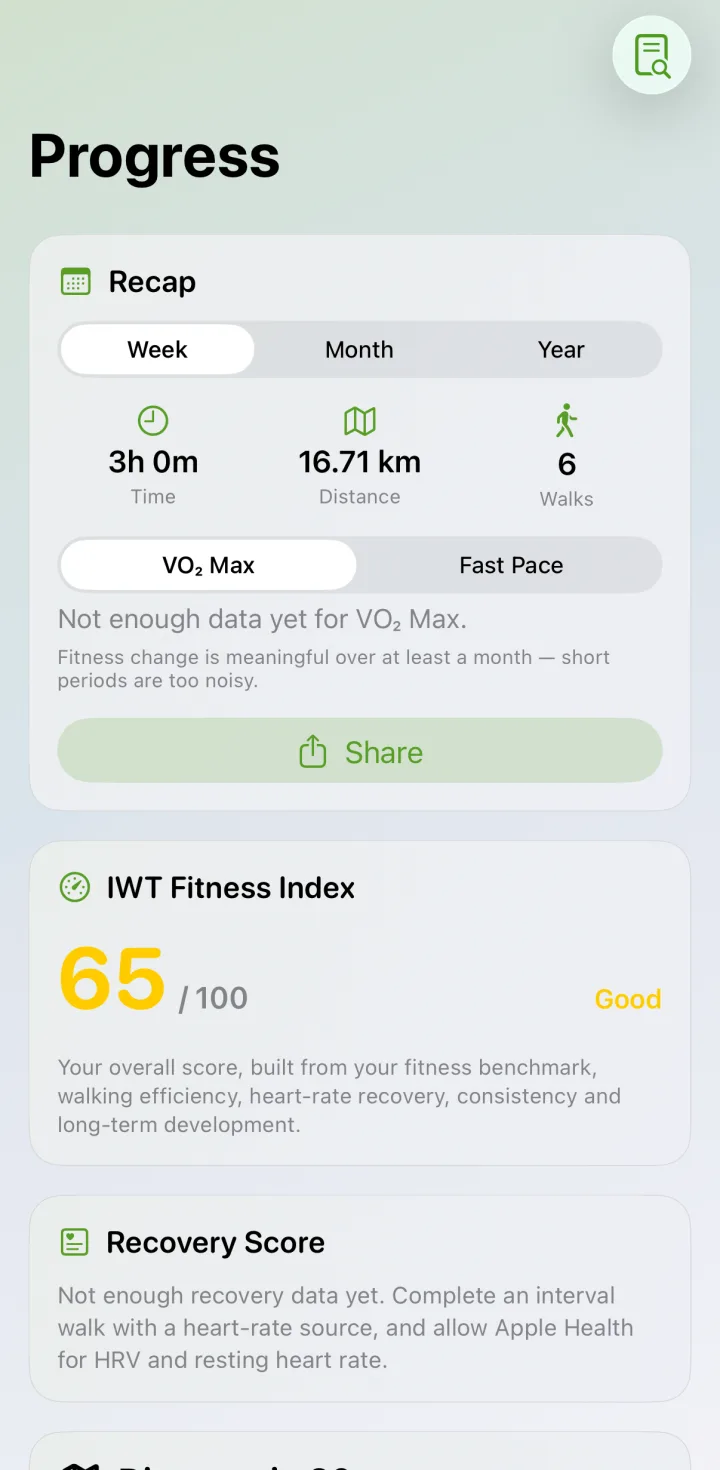
Distance, pace, steps, heart rate, elevation and each individual interval are recorded as you go, and written to Apple Health. Nothing needs typing in afterwards.
Over weeks it turns into something worth looking at: a streak you would rather not break, medals as the kilometres add up, and a fitness index built from your own benchmarks rather than someone else's average.
Walk it with other people
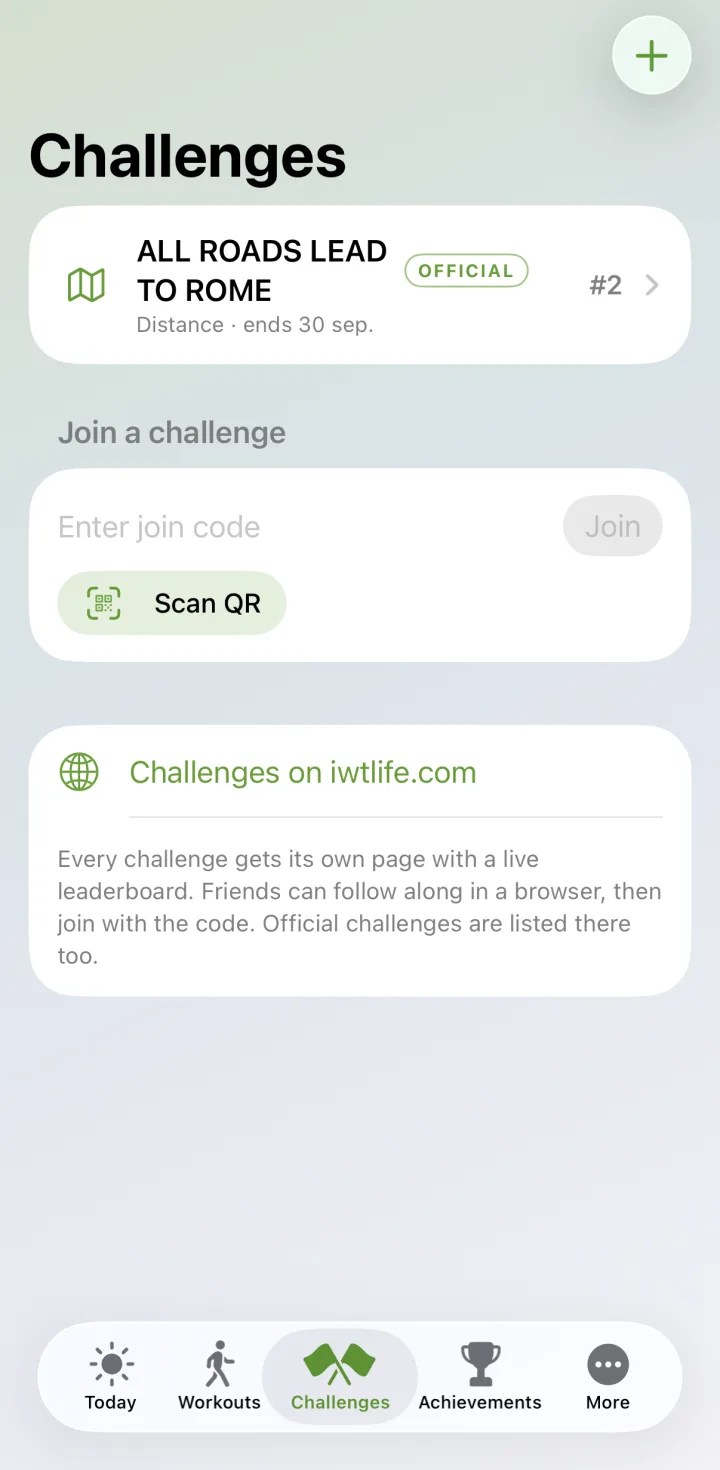
Join an official challenge, or make one for your friends, your family or the office. Pick the goal — most kilometres, most walks, or a distance you cover together — share the eight-letter code, and everyone's walks start counting.
Every challenge also gets a page here on IWT Life with a live leaderboard, so people can follow along in a browser before they have the app at all.
Yours, and only yours
Measured on your device
Your walks, your heart rate and your health data are calculated and stored on the device itself. They are not uploaded to us.
A nickname and a number
A challenge shares exactly two things: the name you choose to show and the single figure the challenge is scored on. Nothing else leaves your phone.
No account needed
Download it and start walking. There is nothing to sign up for before the first interval.
The method itself, with the studies behind it, is set out in our guide to Japanese Walking.
Start with one walk
Thirty minutes, no equipment, nothing to set up first.
Android soon